Sold License Verifier
Purpose
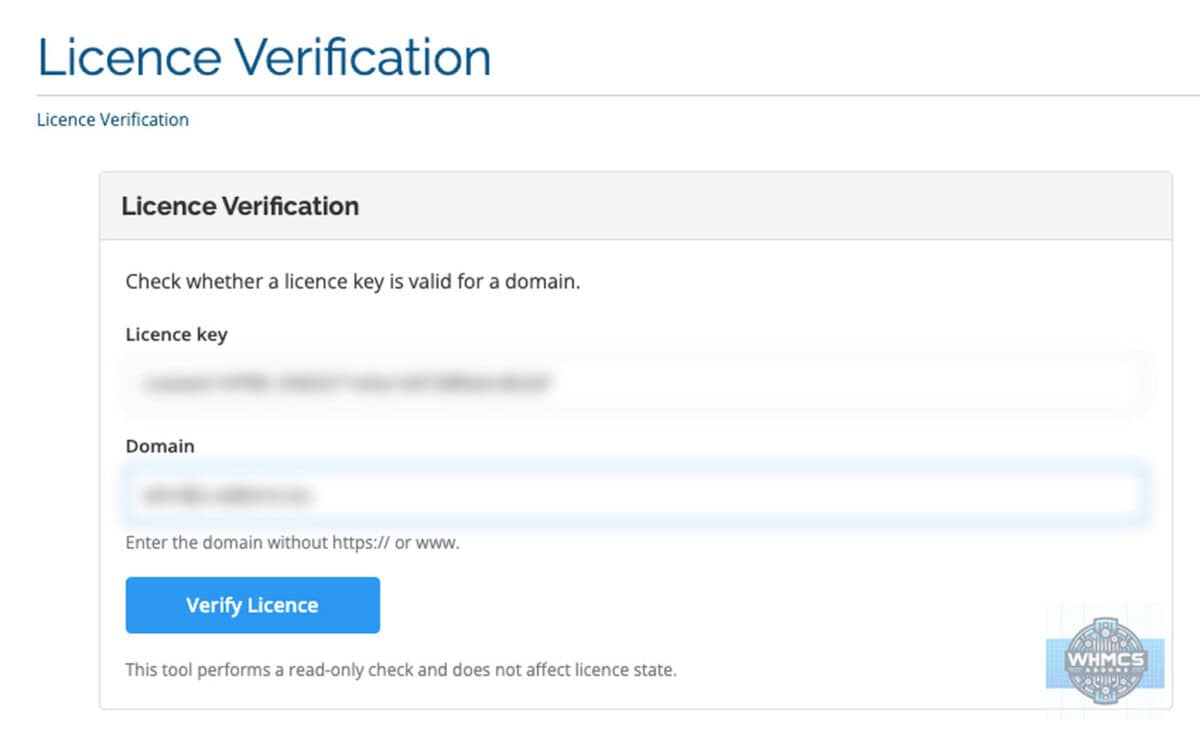
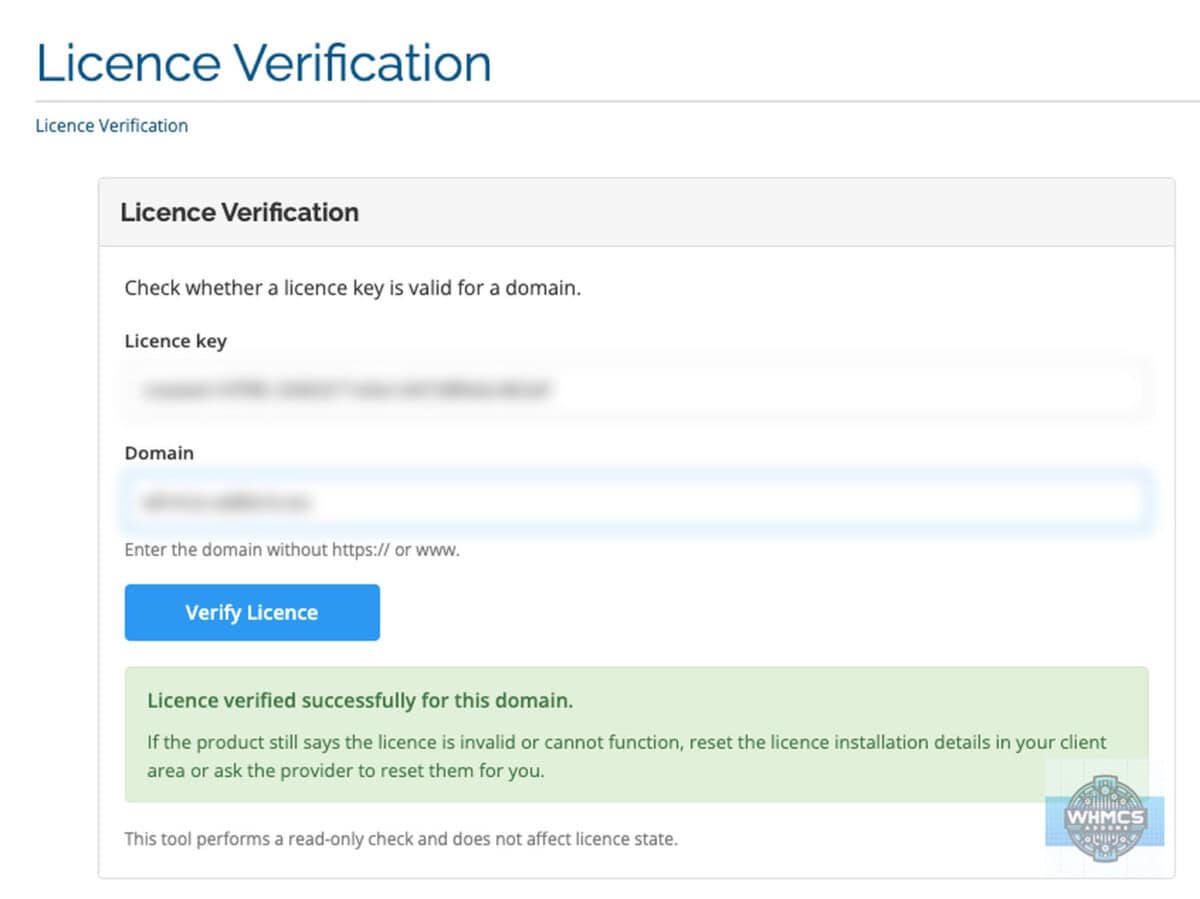
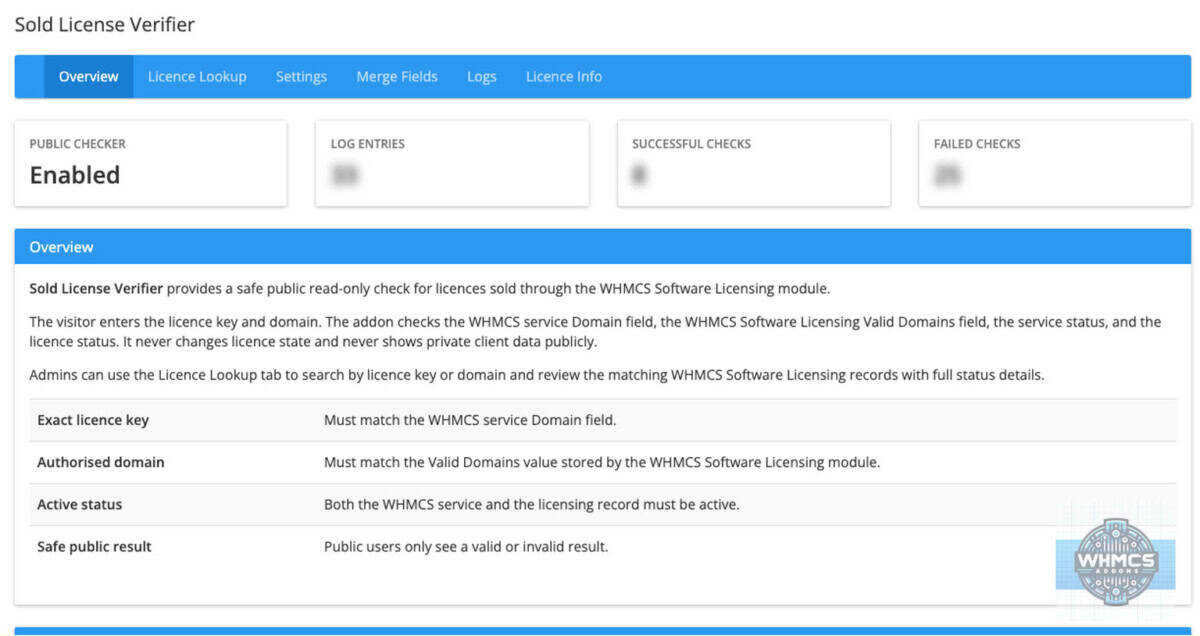
Sold License Verifier gives WHMCS admins a safe way to let users check whether a software licence is valid for a domain.
The standard WHMCS Software Licensing setup is powerful, but public verification can be too weak if it only checks a domain. This addon checks the actual licence key together with the authorised domain, service status and licensing status, so the result is much harder to guess or abuse.
It is for WHMCS admins who sell software licences through the WHMCS Software Licensing module and want a simple, read-only public licence checker.
Features
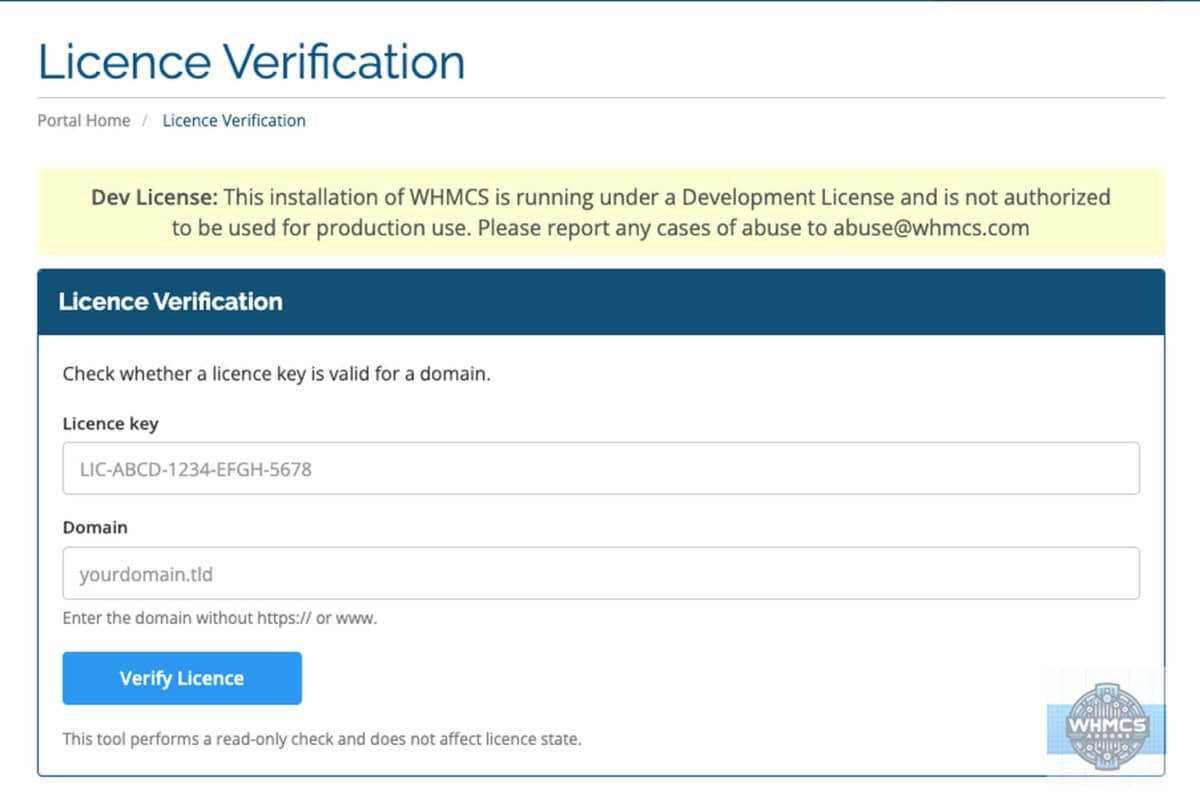
- Public licence verification page for clients and visitors
- Checks the licence key and domain together
- Uses the WHMCS Software Licensing module data
- Requires the related WHMCS service to be Active
- Requires the WHMCS licensing status to be Active
- Matches the entered domain against the licence’s Valid Domains value
- Shows only safe, generic failure messages on the public page
- Shows a helpful success note when a licence and domain are valid
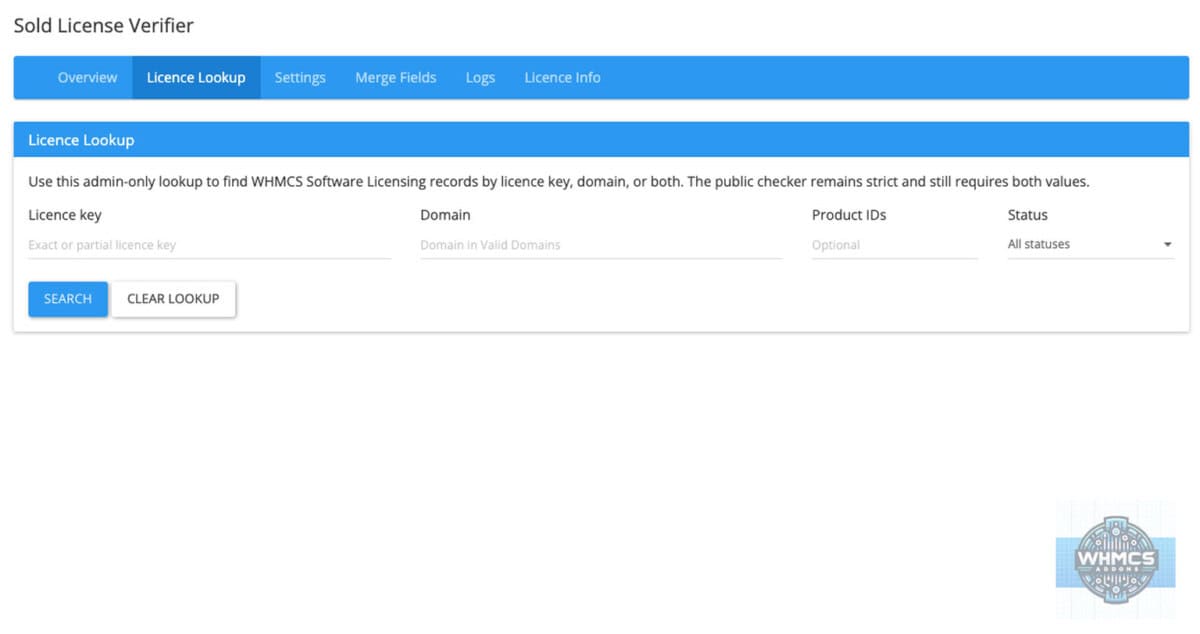
- Admin Licence Lookup page
- Admin lookup can search by licence key, domain, or both
- Admin lookup shows useful internal details, including service, client, product and status information
- Displays Valid Domains, Valid IPs and Valid Directory in the admin area for reference only
- Valid IPs and Valid Directory are not used for public verification
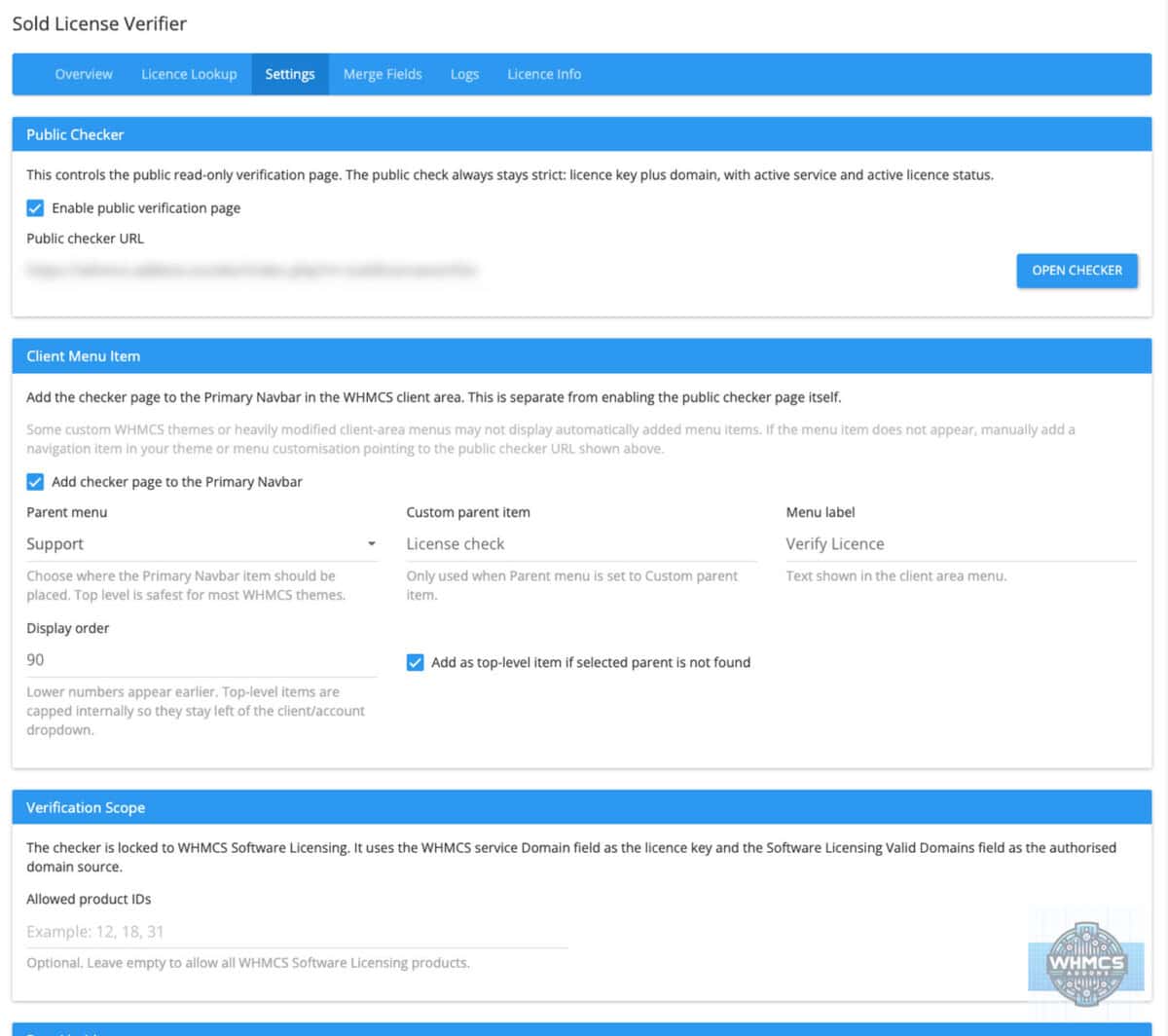
- Optional client-area menu item in the Primary Navbar
- Clear note for custom WHMCS themes where a manual menu item may be needed
- Public page follows the active WHMCS client-area theme
- Customisable
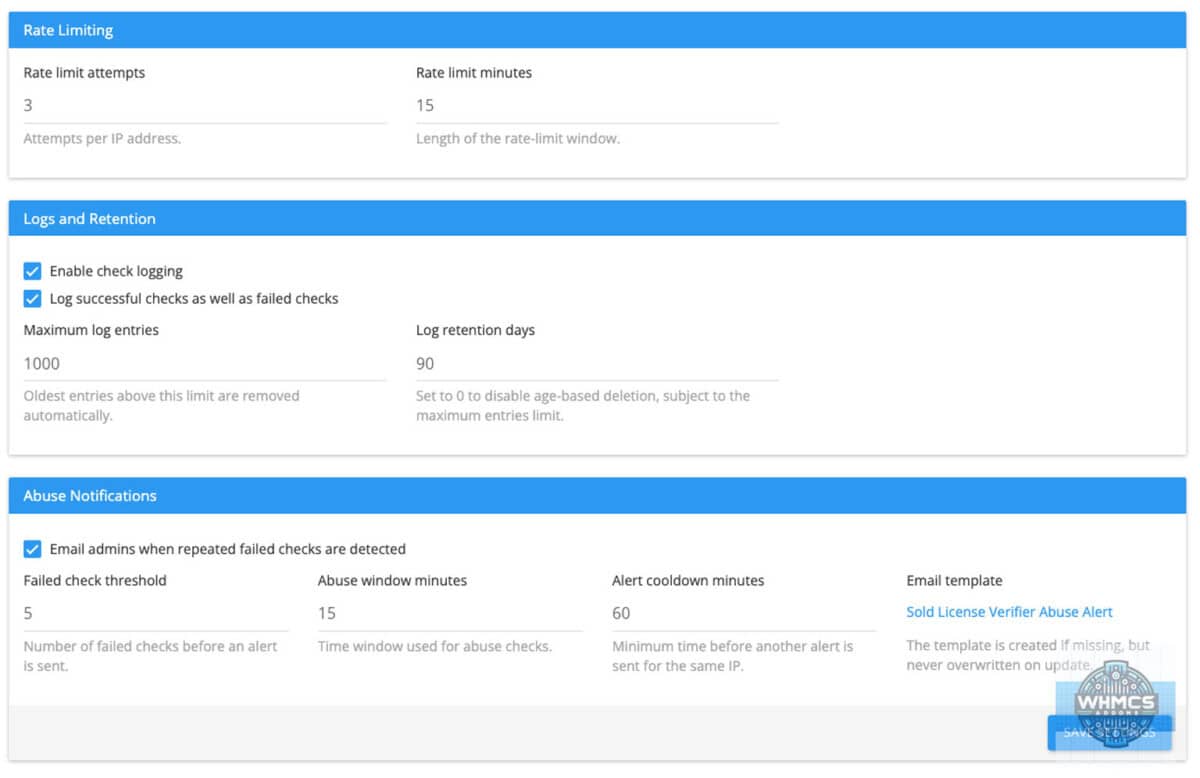
public.cssfor changing the client-side page layout, colours, spacing, fonts, buttons and result messages - Settings page with public checker, menu, rate limit, logging and abuse alert settings
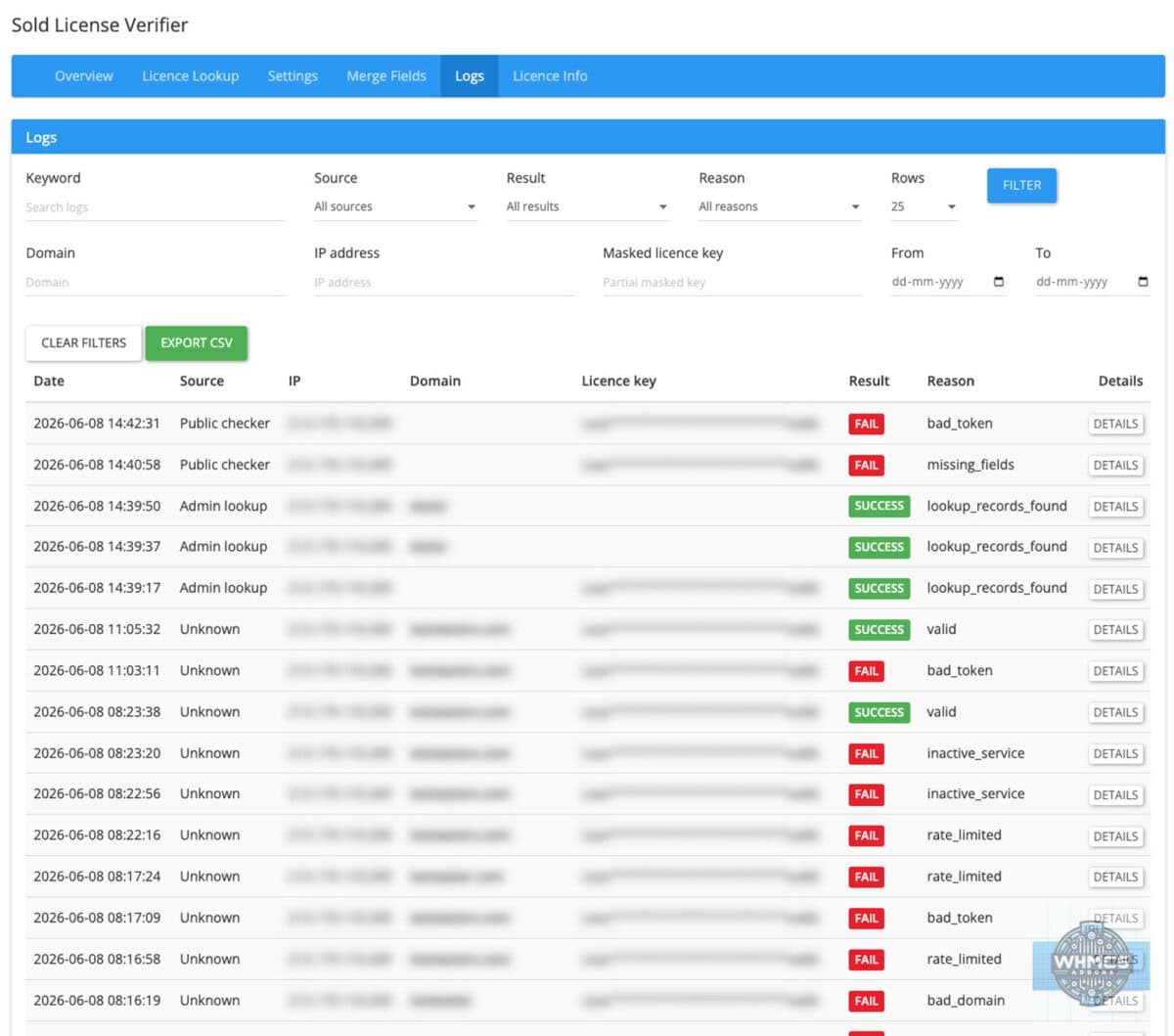
- Logs page with filters, source tracking, inline details and CSV export
- Log entries show whether the action came from the public checker, admin lookup or admin action
- Log retention and maximum log size controls
- Abuse alert emails for repeated failed checks
- Editable WHMCS email template for abuse alerts
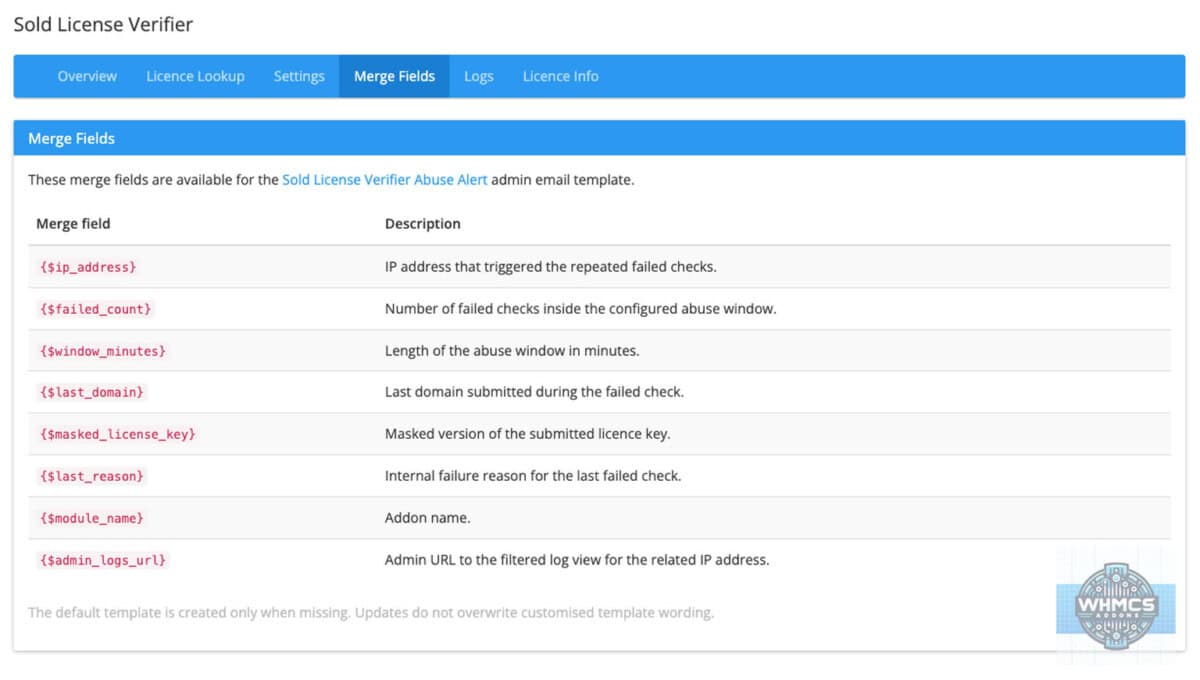
- Merge Fields tab showing available fields for the abuse alert template
- Licence Info page for the addon’s own WHMCS-addons.eu licence
- Clean WHMCS admin layout with the agreed tab order
- Self-healing for required tables, columns and default records
- Safe upgrade behaviour, so existing settings, logs and edited email templates are not overwritten
- Read-only behaviour, so the addon does not reset, suspend, modify or delete WHMCS licences or services
Compatibility
Version compatibility:
WHMCS v9.x
WHMCS v8.x
WHMCS v7.x
This addon has an admin area and a client-area public checker page. The public page is designed to work inside the active WHMCS client-area theme. The optional menu item uses the WHMCS Primary Navbar. Some custom or heavily changed WHMCS themes may need a manual navigation item instead.
Requirements
Template support:
No template edits are required for the public checker page itself. The page uses the active WHMCS client-area theme. If the automatic Primary Navbar menu item does not appear in a custom theme, add a manual navigation link to the checker page.
Ioncube:
IonCube Loader version 13 or newer.
PHP version:
7.4, 8.1, 8.2, 8.3 or 8.4
Cron:
No cron job is required.
External access:
The addon checks local WHMCS Software Licensing data for licence verification. Normal outbound access may be required for the addon’s own WHMCS-addons.eu licence validation.
Permissions:
Admins need access to WHMCS addon modules. To edit the abuse alert wording, admins also need access to WHMCS email templates.
Support
For support contact us at addonhelp@whmcs-addons.eu
Please include your WHMCS version, PHP version, addon version and a short description of what happened. If the issue relates to syncing, include the relevant log entry where possible.
We also develop WHMCS modules. WHMCS-addons.eu is not responsible for issues caused by servers that do not meet the minimum requirements or by customised WHMCS installations that change normal addon behaviour. Always create a backup before installing or upgrading any addon.
All our pre-made Addons are only sold through
resellers, like R the Company.